
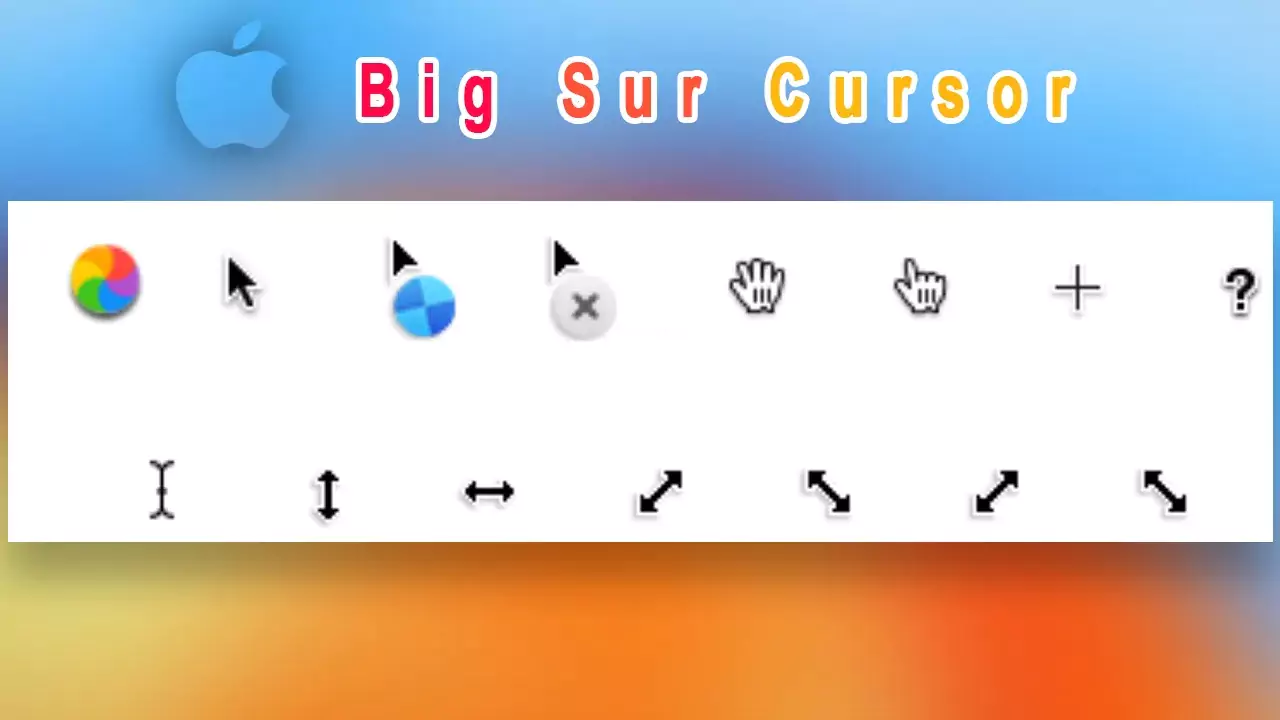
Big Sur Cursor for Windows
A quality set of cursors in the style of Big Sur. Without a doubt, it can be a worthy replacement for the standard Windows cursors.It includes an Install.inf file, so installation is very easy
Instalation steps:
- Extract this .zip file and find Install.inf in it.
- Right-click on Install.inf and click Install in your context menu.
- Now go to the mouse settings in your personalize and select this cursor name and apply.
Big Sur Cursor
Windows All
Download
Zaproxy dolore alias impedit expedita quisquam.