
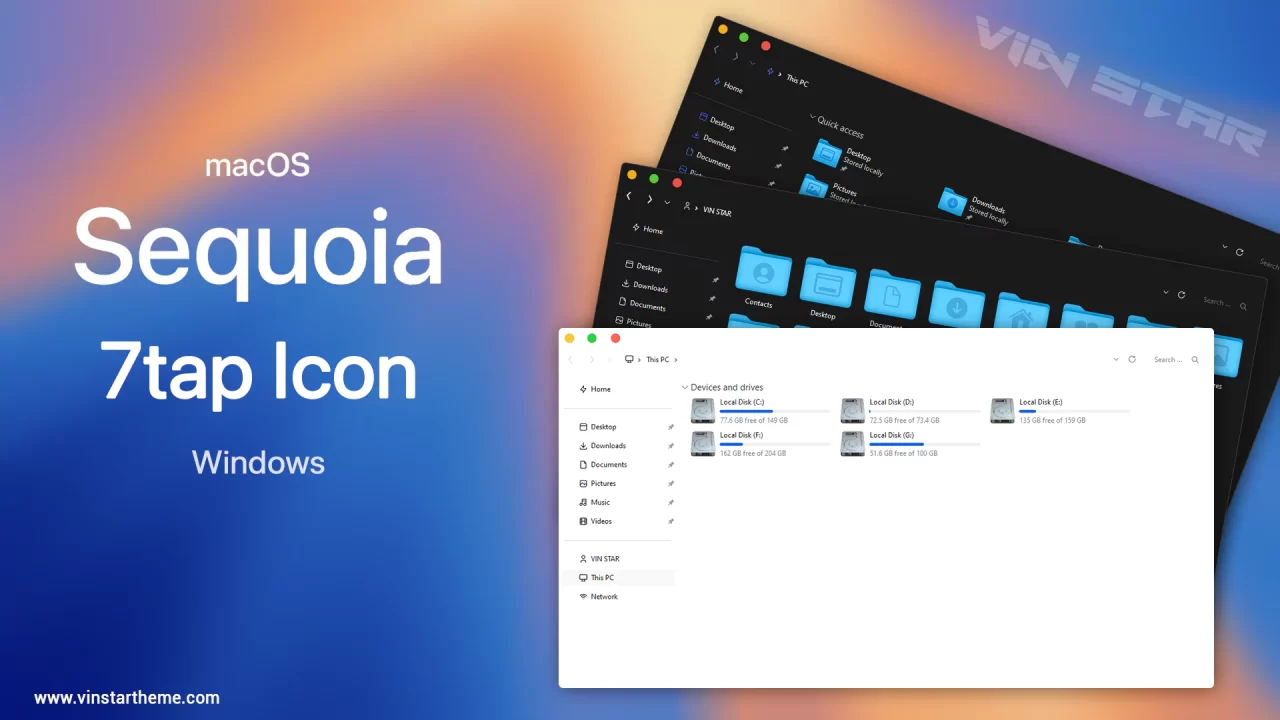
macOS Sequoia 7tsp Icon
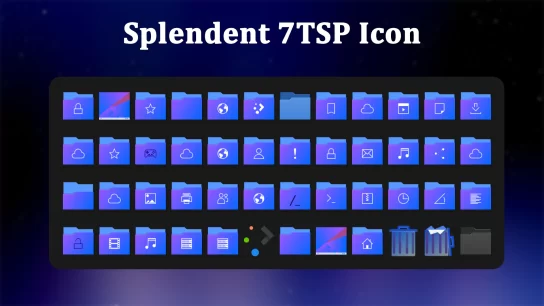
 Introducing the macOS Sequoia 7tsp Icon Pack for Windows, a beautifully crafted icon set that brings the sleek and modern look of macOS icons to your Windows desktop. This icon pack is designed to seamlessly integrate with the macOS Sequoia Theme, ensuring a consistent and visually appealing experience.
The macOS Sequoia 7tsp Icon Pack offers a complete set of high-quality icons that transform your system’s look and feel. With both dark and light mode compatibility, the icons adjust to your theme preference, providing a harmonious and elegant windows environment. Each icon is meticulously designed to reflect the clean and refined aesthetics of macOS, giving your Windows system a fresh and modern appearance. Additionally, the icon pack includes symbolic icon options in three different colors—blue, black, and white—allowing you to customize your windows to your liking.
What is included in this?
- 7tsp Icon (Blue, Black, and White)
- Dock icon
- Disable icon thumbnails
- Wallpapers
Instalation steps:
- I recommend creating a restore point before installing the 7TSP icon to ensure easy restoration if needed.
- A detailed tutorial on how to install 7tsp icon will assist you in successfully establishing this icon. If you ever decide to remove 7TSP icons from your computer, follow the how to uninstall 7TSP icon tutorial steps.
- Watch the video tutorial on my YouTube channel for a visual guide on icon customization.
- The 7TSP icon is compatible with Windows 10 (from version 1903 to the latest version) and Windows 11.
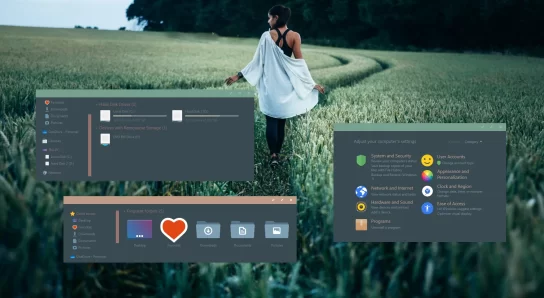
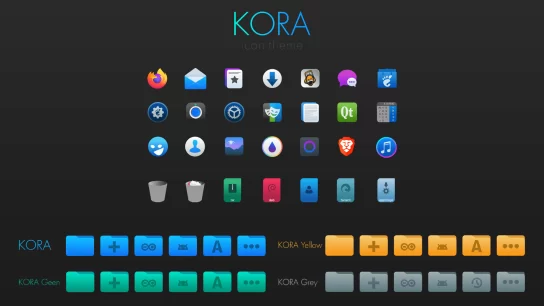
7tsp GUI v0.6(2019) does not work with the Windows canary version, Build 27686.1000 and after. 🙁
its for 7tap not for 7tsp