
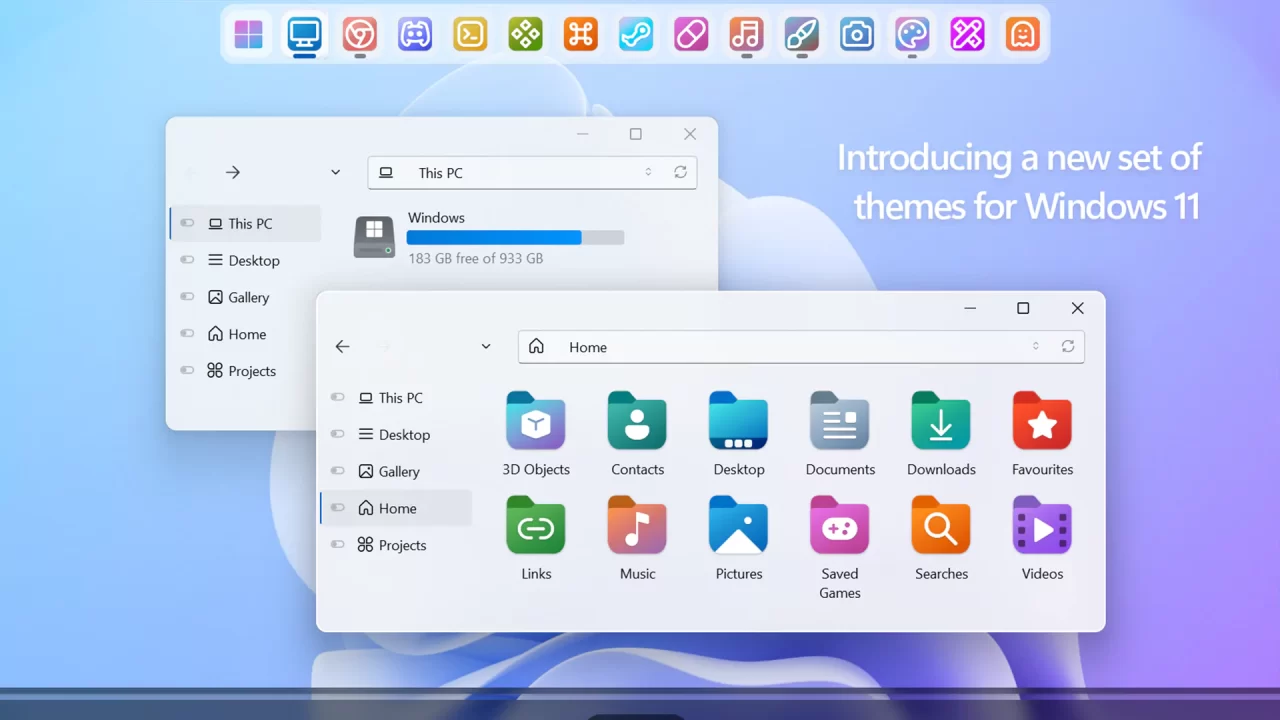
Windows 12 7TSP Icon Pack for Windows
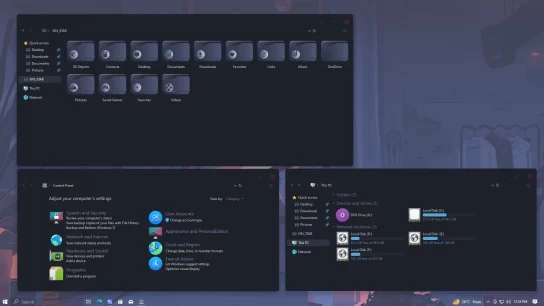
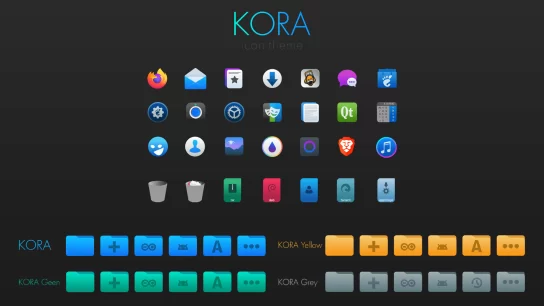
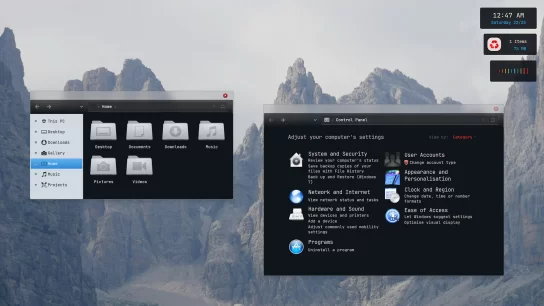
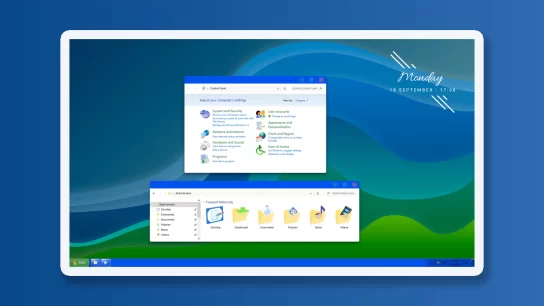
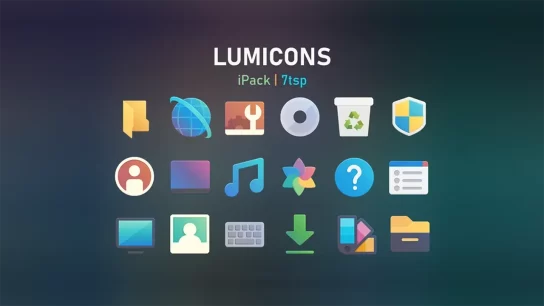
The Windows 12 7TSP Icon Pack is a complete system icon overhaul designed to bring the modern visuals of Windows 12 to your PC. This pack changes icons across the system, including areas like File Explorer, Control Panel, and other core UI elements. Featuring high-quality Sidebar and Dock icons, as well as system icons in both PNG and ICO formats, this collection ensures a cohesive and stylish user experience. To apply the icons correctly, the 7TSP tool is required. A set of high-resolution wallpapers is also included to match the sleek new look.
What is included in this?
- 7TSP Icon Pack
- Sidebar Icons
- Dock Icons
- System Icons (PNG, ICO)
- Wallpapers
Instalation steps:
- I recommend creating a restore point before installing the 7TSP icon to ensure easy restoration if needed.
- A detailed tutorial on how to install 7tsp icon will assist you in successfully establishing this icon. If you ever decide to remove 7TSP icons from your computer, follow the how to uninstall 7TSP icon tutorial steps.
- Watch the video tutorial on my YouTube channel for a visual guide on icon customization.
- The 7TSP icon is compatible with Windows 10 (from version 1903 to the latest version) and Windows 11.
Windows 12 7tsp Icon
Windows 10 & 11
Download
my icon pack has failed to install
ok