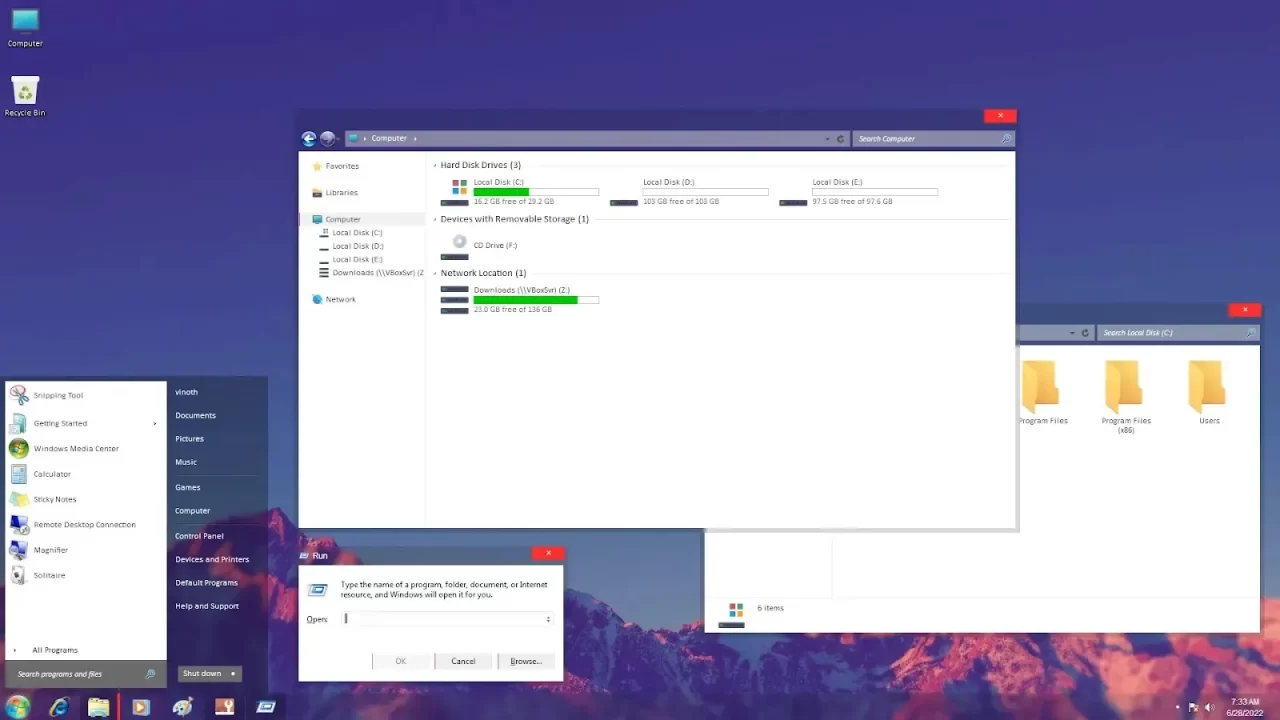
Clean Theme For Windows 7
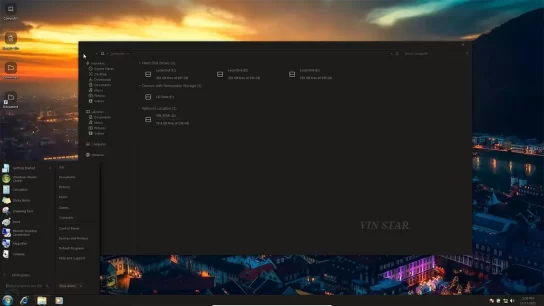
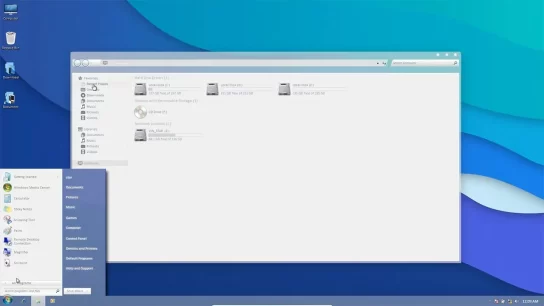
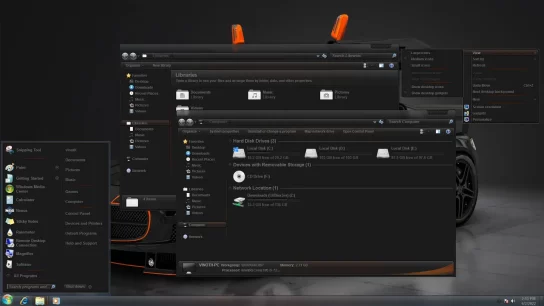
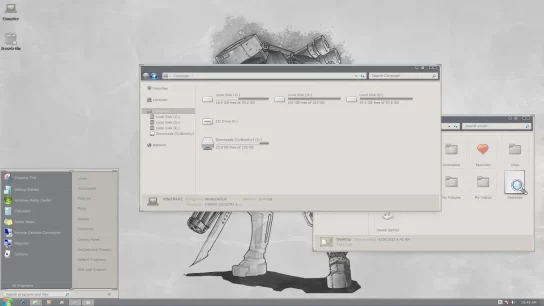
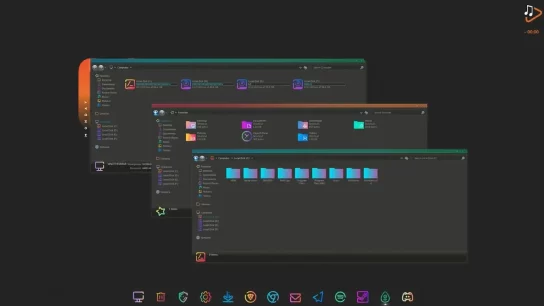
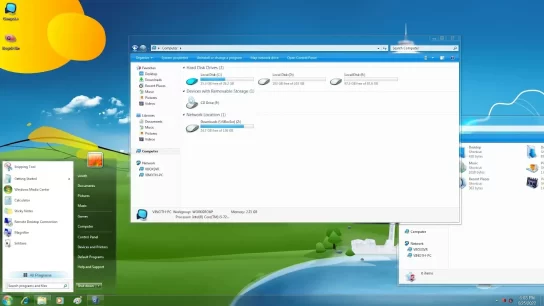
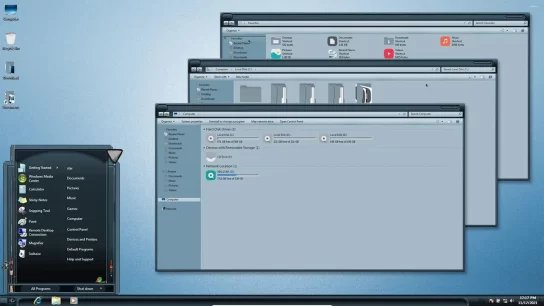
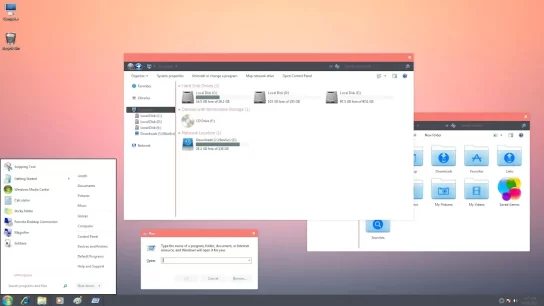
Simple refreshing desktop design for everyday use. The Clean theme is reminiscent of the Metro style, as all design elements are with right angles. Adds a little zest to it, a transparency effect, here it is used in the start menu, explorer, and taskbar. The visual style will look good with solid red icons or multi-colored tiles that can be seen in the screenshot.
Find more variety of Windows 7 Themes and Install the best windows 7 themes & Icon Pack to make your customization awesome.
What is included in this?
- Theme(2 Styles)
- Start Orbs
- Explorer Frame
Instalation steps:
- I recommend creating a restore point before starting the customization.
- This third party theme will only work if you install Theme Patcher, so definitely install Theme Patcher.
- If you’re new to customization, check out this page that explains in detail how to install Windows custom themes.
- Watch the video tutorial on my YouTube channel for a visual guide on Windows custom themes customization.
- In some themes, you may need to manually add an Explorer frame without attaching it to the theme, and CustomizerGod is very helpful in doing that.
- Theme support : Windows 7 (all editions)
Clean Theme
Windows 7
Download