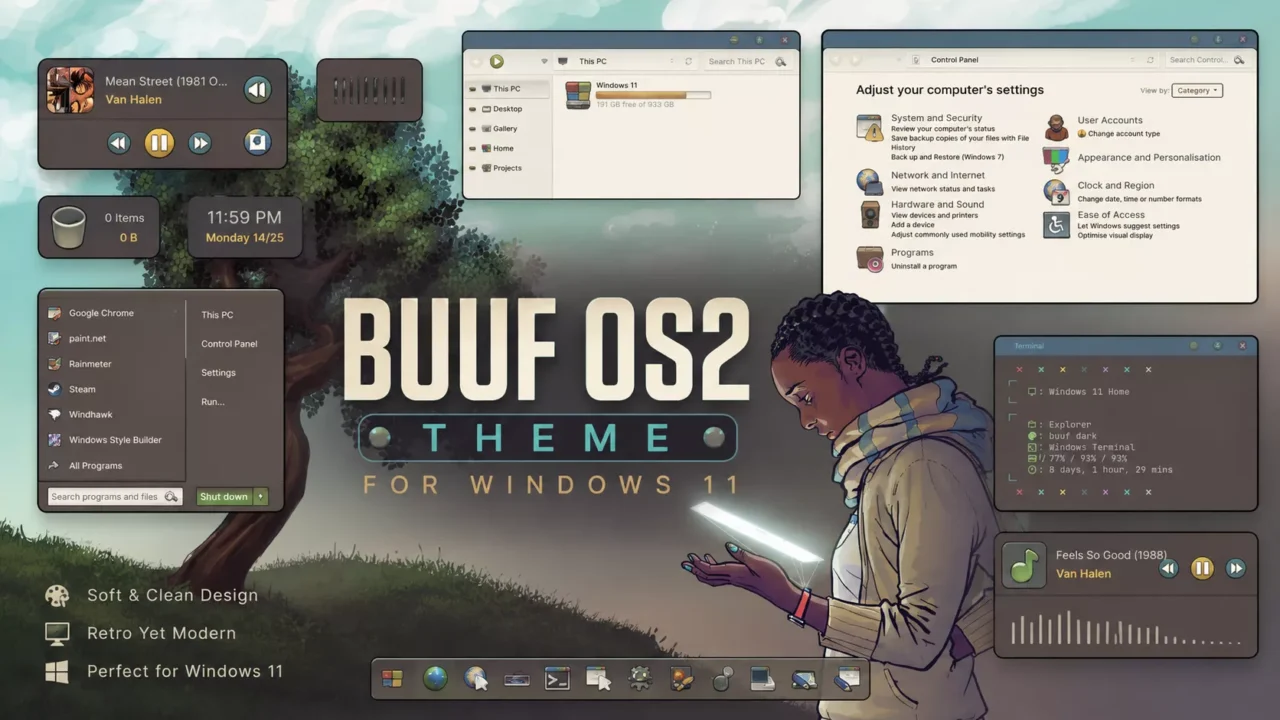
Buuf OS2 Theme for Windows 11
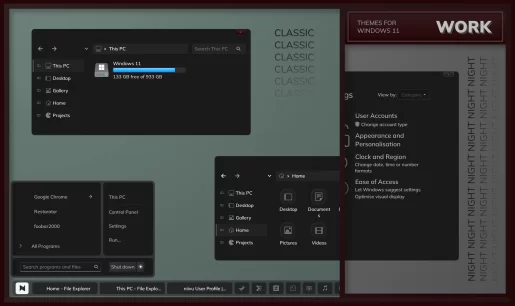
The Buuf OS2 Theme for Windows 11 is a unique Windows 11 customization pack inspired by the distinctive hand-drawn style of the classic Buuf design. It includes custom themes in light, dark, and night modes, with options to use them with or without the address bar (NA). The carefully crafted interface gives Windows 11 a warm, playful appearance while maintaining a clean and functional desktop experience.
To complete the look, the pack includes a collection of matching wallpapers, custom Rainmeter skins for desktop widgets, and StartAllBack skins that seamlessly transform the Start Menu and taskbar. Whether you’re a long-time fan of the Buuf aesthetic or simply looking for a creative alternative to the default Windows interface, this theme offers a refreshing and cohesive customization experience.
Make your customization awesome by installing this theme’s appropriate Windows 7TSP icons.
What Is Included in This?
- Themes (light, dark, night) with or without address bar (NA)
- Wallpapers
- Rainmeter skins
- StartAllBack skins
Installation steps:
- I recommend creating a restore point before starting your customization.
- This third-party theme will only work if you install Theme Patcher, so definitely install Theme Patcher.
- If you’re new to customization, check out this page that explains in detail how to install Windows custom themes.
- Watch the video tutorial on my YouTube channel for a visual guide on Windows custom themes customization.
- Theme support: Windows 11 (This theme is supported by Windows 10, but File Explorer will be square. Use this for experienced users.)