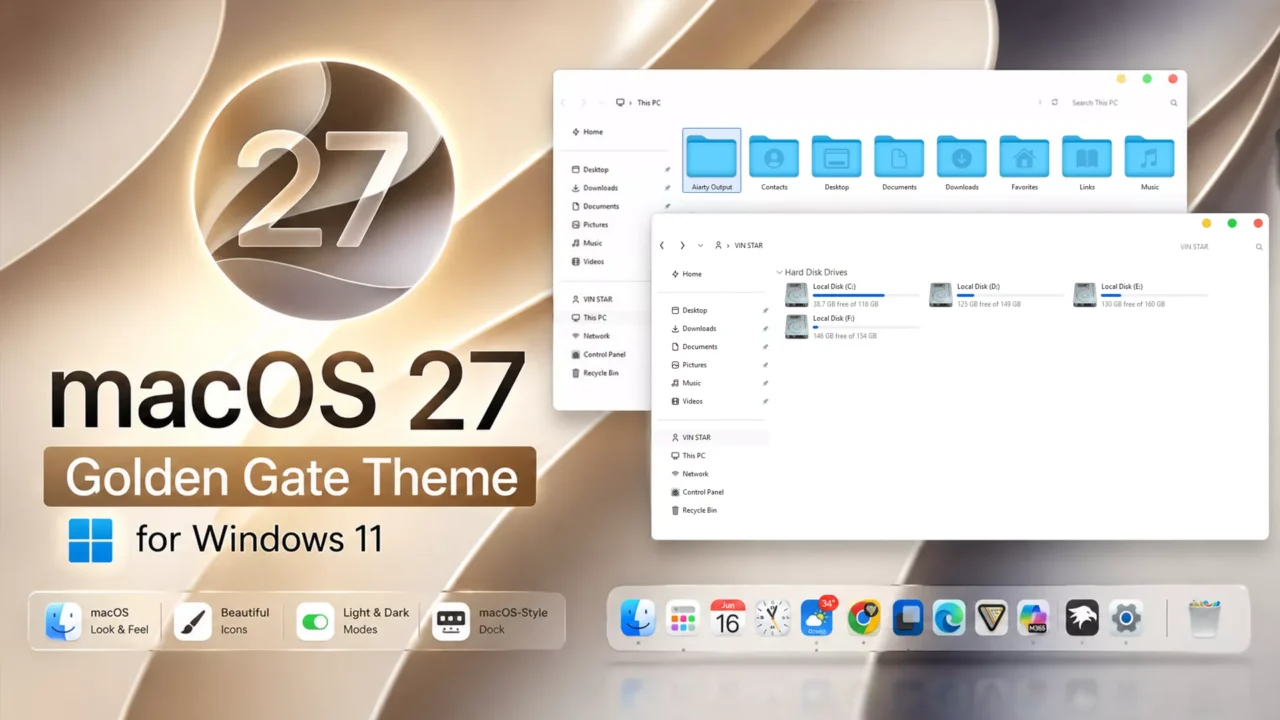
macOS 27 Golden Gate Theme for Windows 11
 The macOS 27 Golden Gate Theme for Windows 11 is a stylish Windows 11 customization pack inspired by the modern design language of macOS. It includes 6 carefully crafted themes available in light, dark, and night modes, with options to use them with or without macOS sounds (NS). The theme is designed to work perfectly with the macOS Sequoia Icon Pack, helping you achieve a more authentic and immersive macOS-inspired desktop experience on Windows 11.
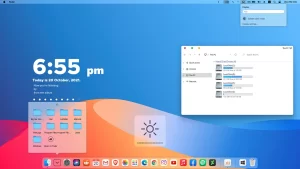 This package also includes a collection of high-quality wallpapers and Rainmeter skins to complement the overall macOS-inspired aesthetic. For users who prefer a fully integrated desktop, the pack features custom taskbar and Start Menu skins via StartAllBack, along with matching StartAllBack Orbs for a consistent visual experience. To achieve a complete macOS-style dock, you can pair this theme with MyDockFinder. Whether you’re looking to recreate the feel of macOS or simply refresh your desktop, this theme provides a polished and cohesive setup.
Make your customization awesome by installing this theme’s appropriate Windows 7TSP icons.
What Is Included in This?
- Themes (light, dark, night) with or without macOS sounds (NS)
- Wallpapers
- Rainmeter skins
- StartAllBack Taskbar and Start Menu skins
- StartAllBack Orbs
Installation steps:
- I recommend creating a restore point before starting your customization.
- This third-party theme will only work if you install Theme Patcher, so definitely install Theme Patcher.
- If you’re new to customization, check out this page that explains in detail how to install Windows custom themes.
- Watch the video tutorial on my YouTube channel for a visual guide on Windows custom themes customization.
- Theme support: Windows 11 (This theme is not supported by Windows 10. Experienced users should use it at their own risk.)
제어판 목록이 검정색으로 나오는데 이거 해결방법 있을까요?
bro thats amazing i mean very fast and looks so cool on windows 11