
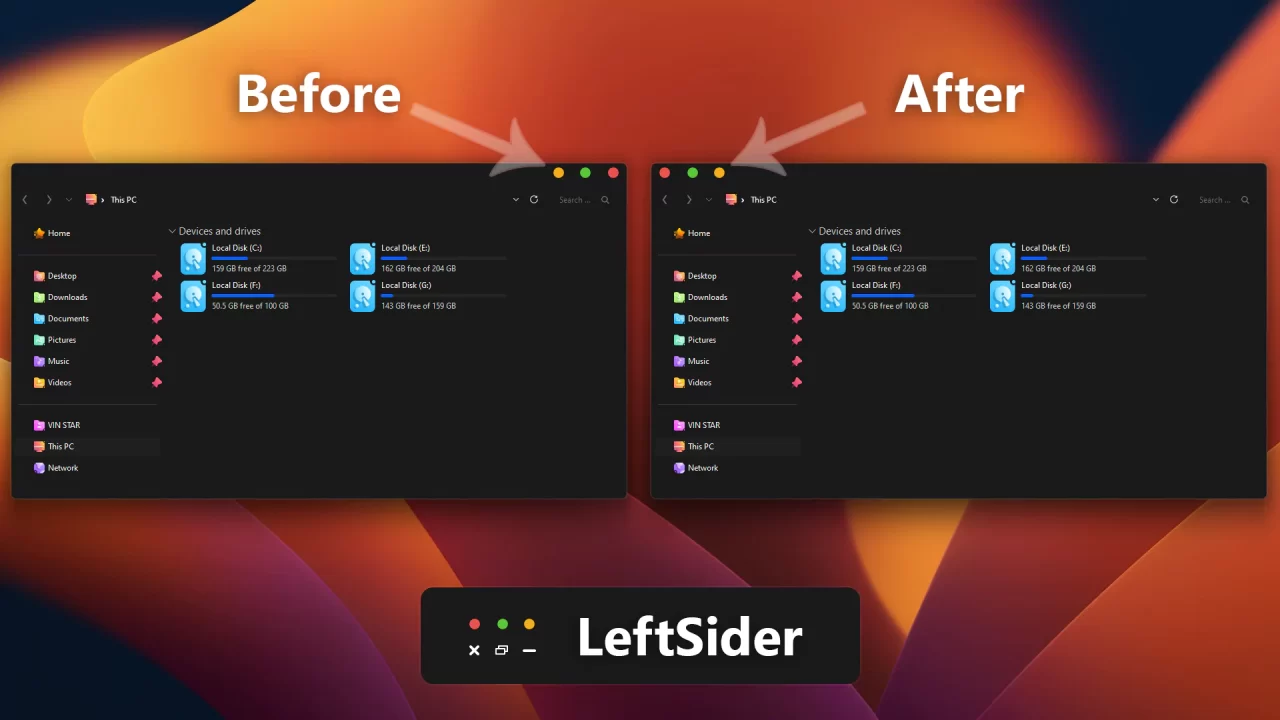
Leftsider
Leftsider is a great tool to move your window control buttons from right to left, offering easy customization for Windows users. Leftsider for Windows
Leftsider is a great tool to move your window control buttons from right to left, offering easy customization for Windows users. Leftsider for Windows
Oops! unable to access the file download link. It seems that your ad blocker is removing the download link. Please try again or consider whitelisting our site in your ad blocker to resolve this issue.
We have detected that an ad blocker is active in your browser. This can lead to conflicts with our site, blocking many important scripts, and affecting downloads.
The revenue we generate from ads is vital for maintaining and managing this website. Therefore, we kindly request that you whitelist our website in your ad-blocker. Please rest assured that we won't inundate you with an excessive number of ads, nor will we inconvenience you or slow down your browsing experience. Your support is immensely appreciated!
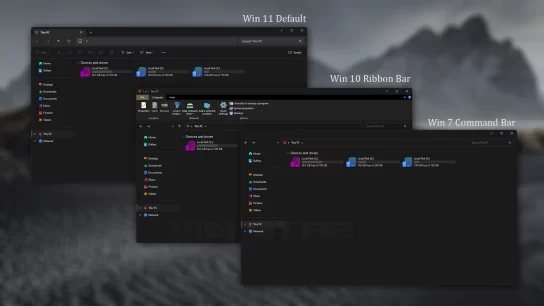
how to you get the file explore like that and the windows ( eg the close and min in the right top conter ) please reply
Do not install, this has trojans and spyware!
how did you know
Mal
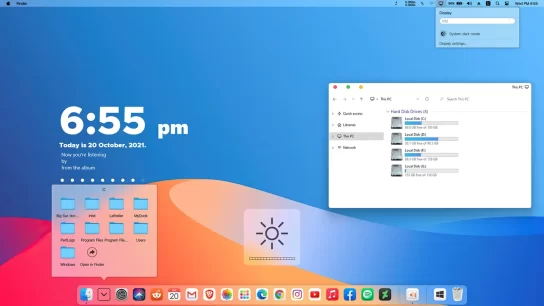
I like the concept behind Leftsider and, when it works, it genuinely improves the desktop experience—especially when paired with macOS-style themes. However, its functionality is inconsistent and it does not work across all window types or applications, which significantly limits its usefulness.
In addition, relying on Leftsider alone is not sufficient. To achieve acceptable results, I also need to use two additional applications: StartAllBack and OldNewExplorer. This adds unnecessary complexity and overhead for what should be a single, streamlined feature.
After updating to Windows 11, compatibility issues became even more apparent; in some cases it feels like going back to the “ice age” in terms of window behavior. The idea is solid, but broader application support, native Windows 11 compatibility, and reduced dependency on third-party tools are essential for this to be a viable solution.