
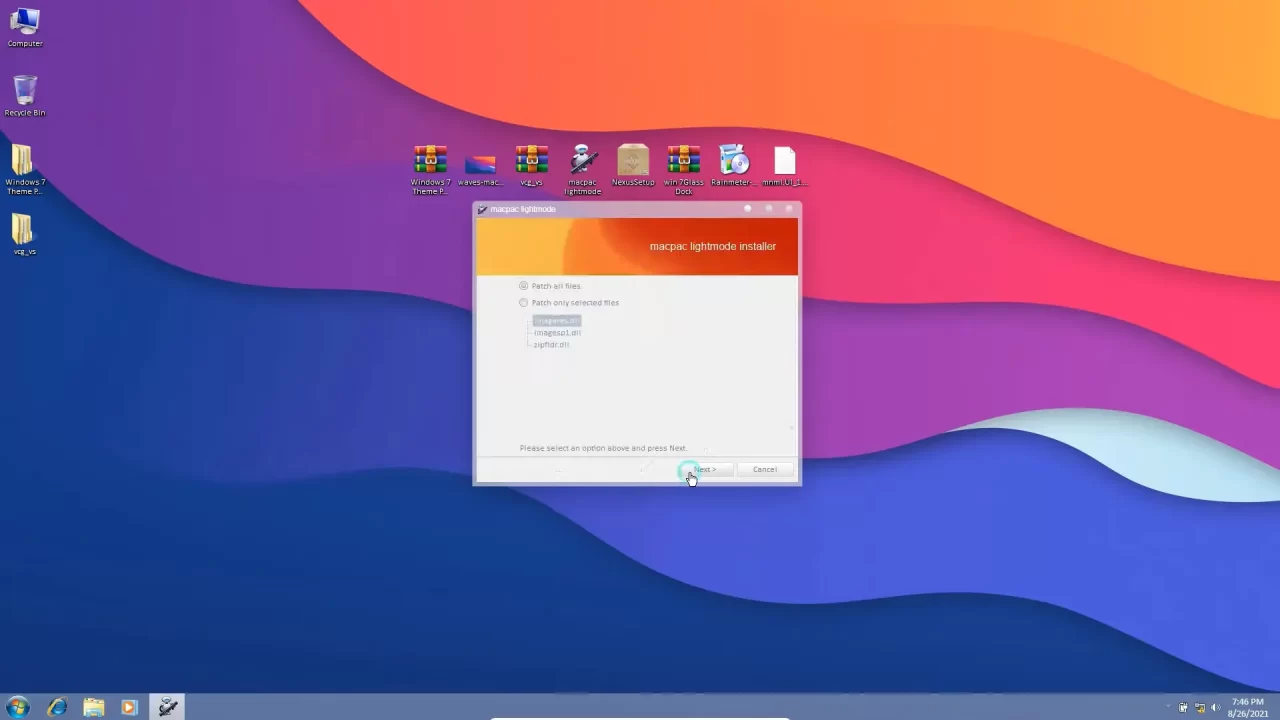
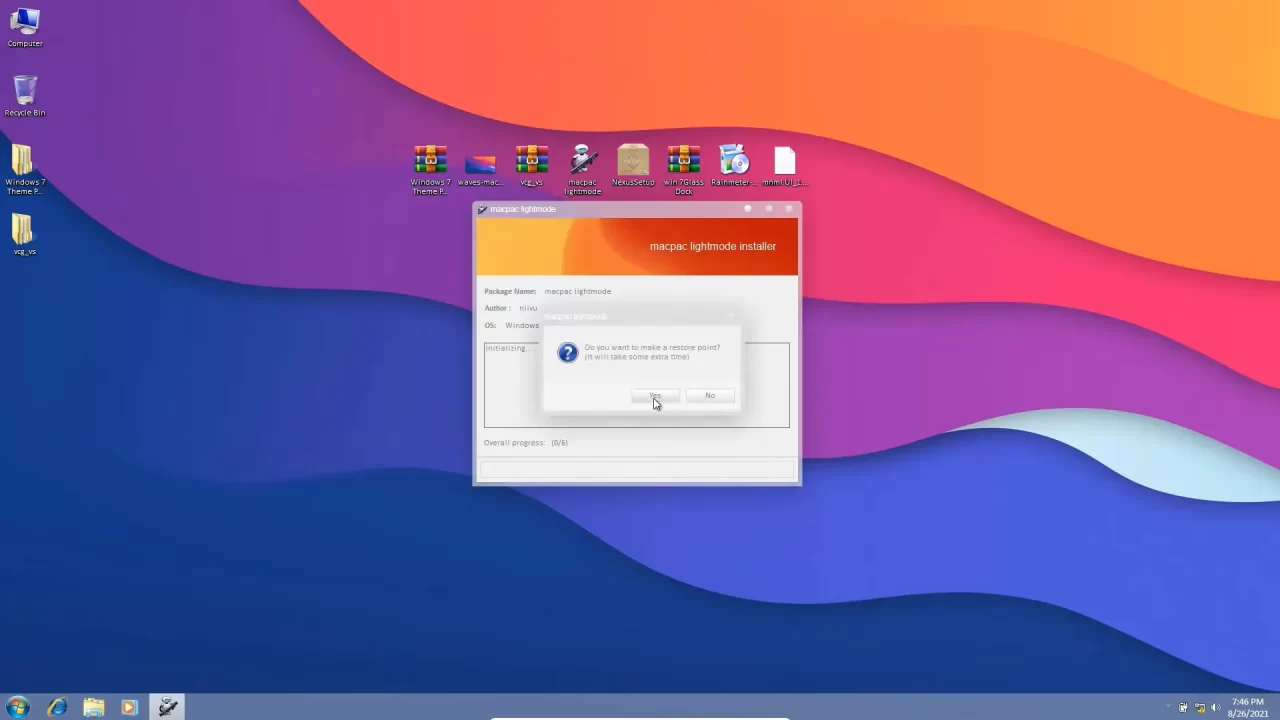
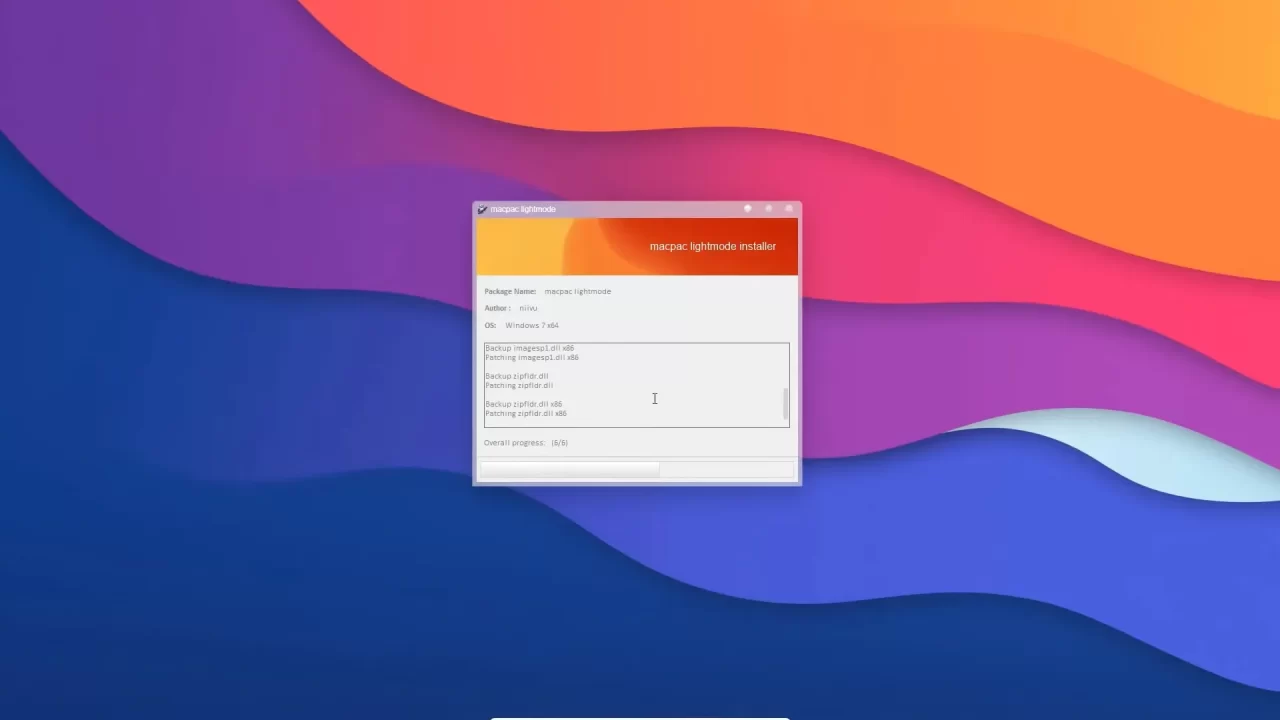
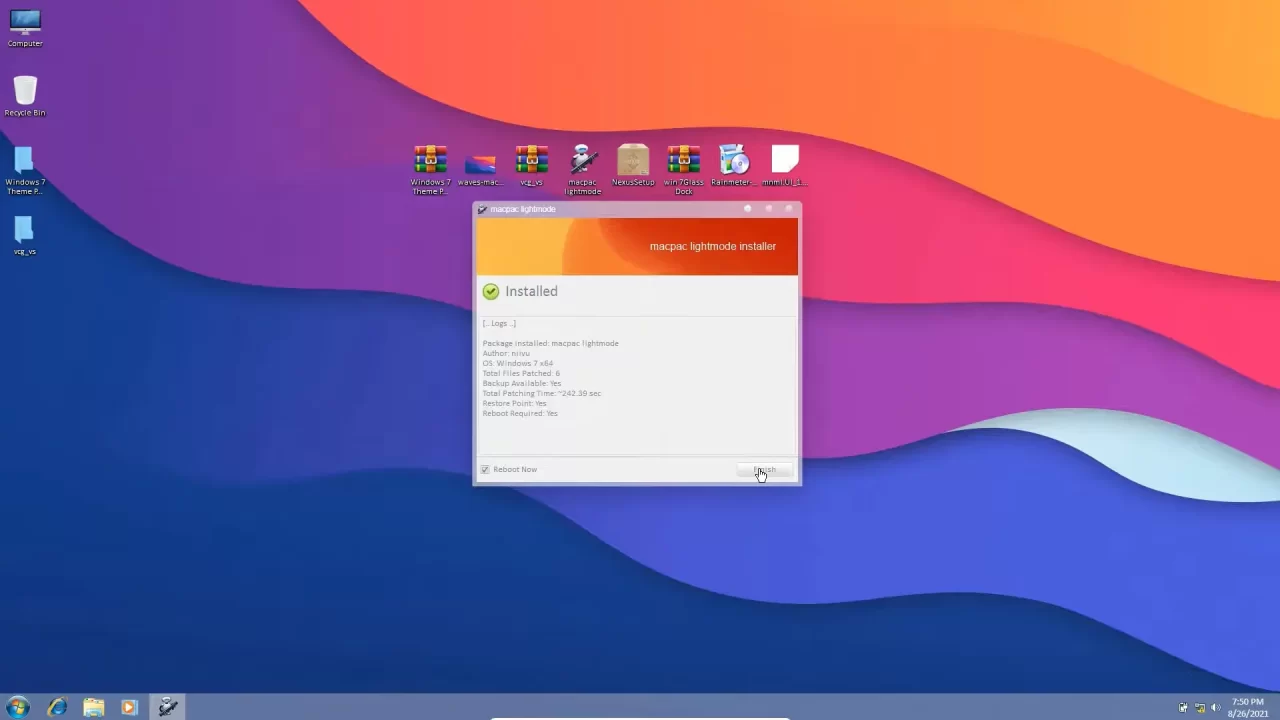
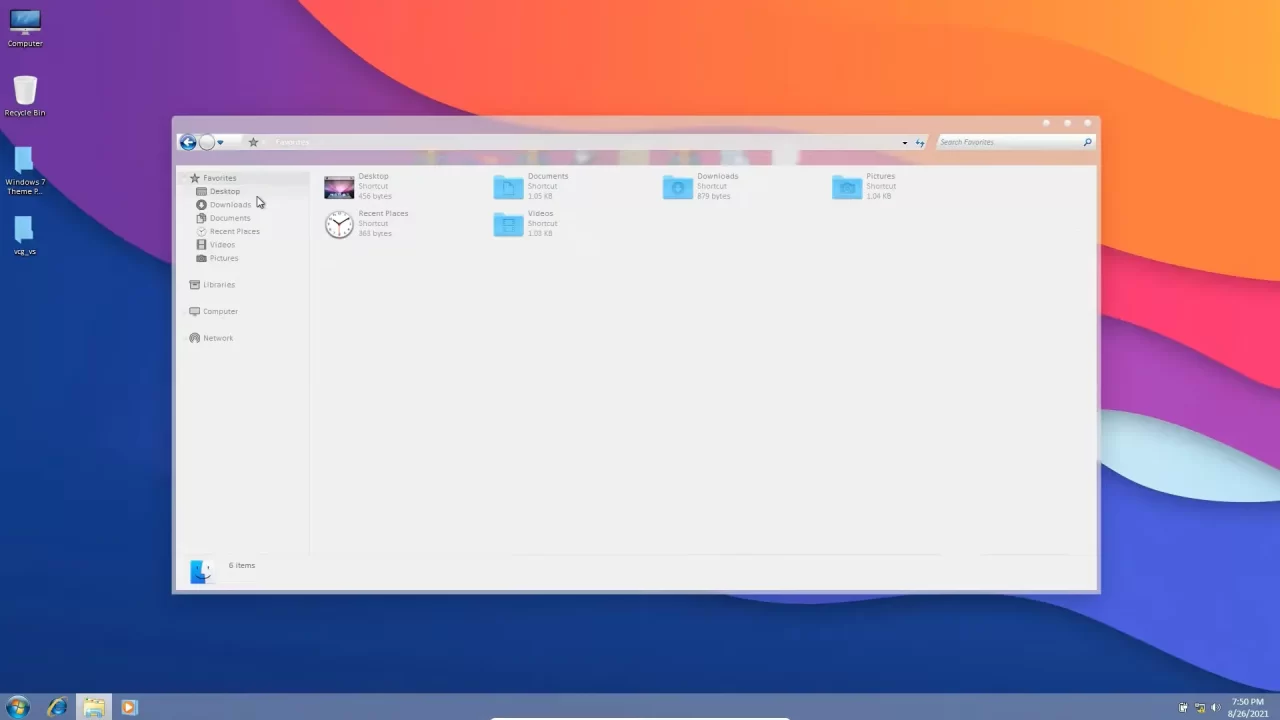
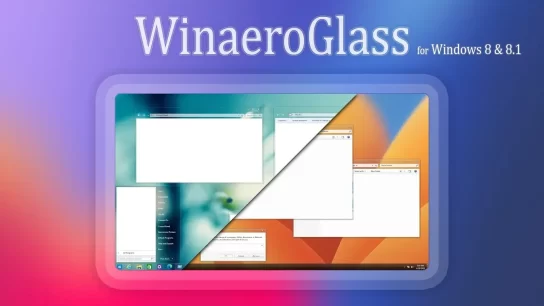
An explanation of how to install and customize a custom theme in Windows 8 and 8.1 - How to install custom themes for Windows 8
Oops! unable to access the file download link. It seems that your ad blocker is removing the download link. Please try again or consider whitelisting our site in your ad blocker to resolve this issue.
We have detected that an ad blocker is active in your browser. This can lead to conflicts with our site, blocking many important scripts, and affecting downloads.
The revenue we generate from ads is vital for maintaining and managing this website. Therefore, we kindly request that you whitelist our website in your ad-blocker. Please rest assured that we won't inundate you with an excessive number of ads, nor will we inconvenience you or slow down your browsing experience. Your support is immensely appreciated!
I have been browsing online more than three hours today, yet I never found any interesting article like yours. It’s pretty worth enough for me. Personally, if all web owners and bloggers made good content as you did, the internet will be much more useful than ever before.
Wow! Thank you! I constantly wanted to write on my blog something like that. Can I implement a part of your post to my blog?