There are a lot of people who are interested in Mac and some of them want to change the windows they use to look like Mac - Mac Dock for Windows
Posted on March 13, 2023 |
By VIN STAR
Mac Dock for Windows
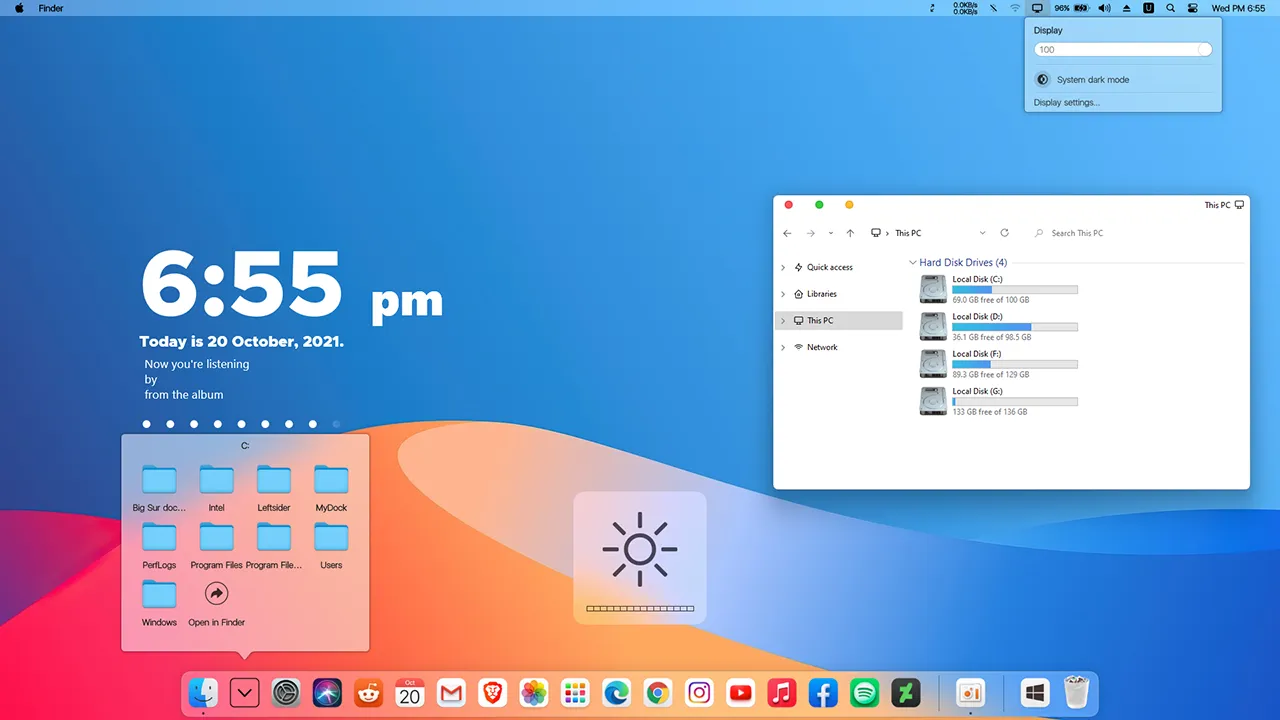
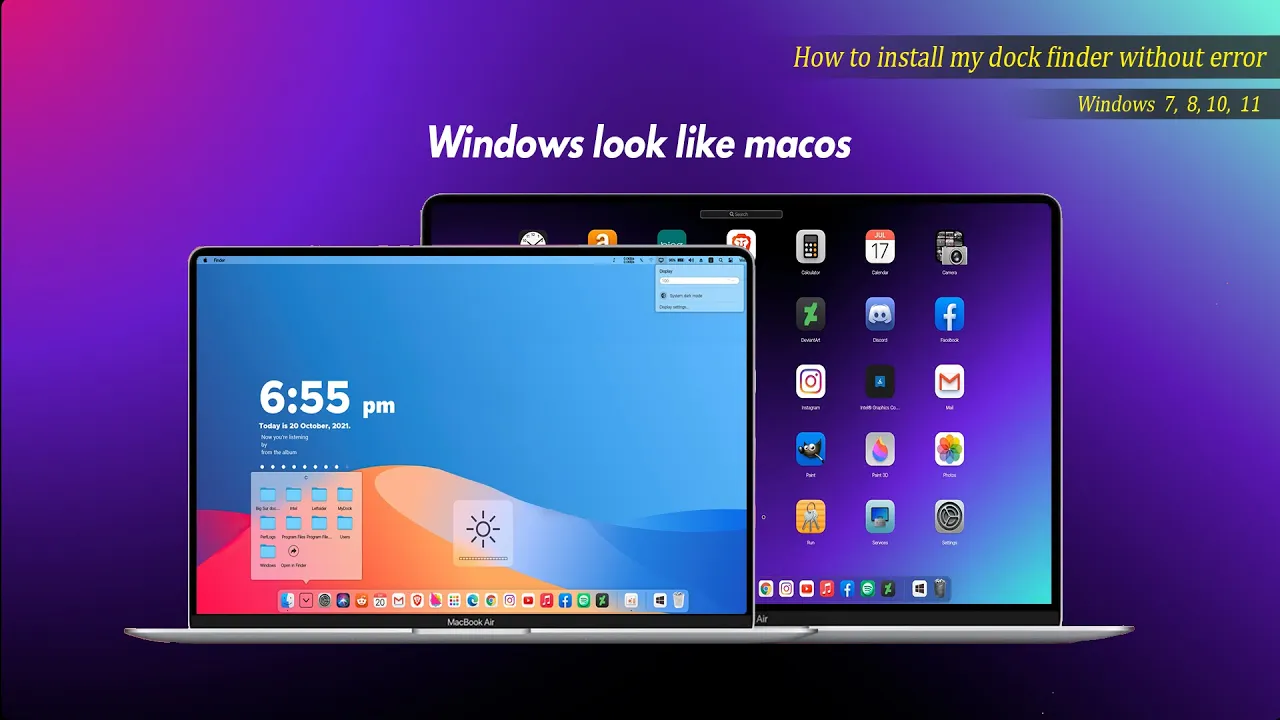
There are a lot of people who are interested in Mac and some of them want to change the windows they use to look like Mac. This dock is one of the best available for people who are interested. It works like a Nexus Doc but has a Mac taskbar and some Mac animations. This software is not a hacker system and does not require a system restart. It must open the running program, complete customized settings and disguise itself as Mac OS. It will start automatically after boot. Then you can enjoy the animation effect of Mac OS at any time
How to install this Mac Dock
For windows 10 and windows 11
Requirements
OS : Windows 10 (version 1809 and higher), supports Windows 11
Processor : Dual-core processor 1.2GHz
Memory : 2 GB RAM
Graphics : Support DirectX11 graphics card, 512M video memory
OS : Windows 7,Windows 8 and Windows 8.1(Win7 Home Basic is not available)
Processor : CPU-1GHz and above Dual Thread
Memory : 2 GB RAM
Graphics : Support DirectX11 graphics card, 512M video memory
DirectX : Version 9
Storage : 20 MB available space
Additional Notes : VC++2019 runtime library 32 and 64 bit .NET framework 4.5
MyDockFinderWindows 7 / 8 / 8.162.3MB
Download
Mydockfinder
Most Windows users would like to bring the mac look to their Windows. I am sure that they will be satisfied with these mydockfinder application. This is because you can drag and drop to add your favorite programs or files in mac format and directly use the program to open the file. GPU rendering based on Windows UI, smooth animation effects
Get your favorite themes and iconsto enhance the look of your Mac
Follow My Channel: VINSTAR
After I restart or turn my laptop back again my dock looses it’s minimise and opening animations
The animations go back like the were with the orignal taskbar simple windows like animations
It looses the mac os like opening and closing animations
same bro there is minimize animation blocklist and it is not opening it is fixed in version 1.9.9.9
where is the version bro?
The software is great! but i have one question, is there any option to keep finder bar (or menu bar) to always show on all monitor?
My windows 10 taskbar cant disable i dont can i do ?
Hello
im going to download myDock for win11 but it says you are blocking our ads but i do not have any ad blocker in my browser. my browser is chrome.
what the password of archive?
It does not require any password
Mate, able to download MyDock and the Big Sur 2 theme, but where can I find the ‘3rd’ zip file mentioned in the video:
– Big Sur by Vin Star
Cheers
Willingly I accept. The theme is interesting, I will take part in discussion. I know, that together we can come to a right answer.
Ι am sure this paragraph has touched all the internet viewers, it’s really really fastidious article on building up a new website.
Hey there! Someone in my Myspace group shared this site with us so I came to
take a look. I’m definitely enjoying the information. I’m book-marking and will be tweeting this to my
followers! Great blog and superb design.
Hey how to download mydock finder for windows 7 I am unable to find the continue button please help me.
After I restart or turn my laptop back again my dock looses it’s minimise and opening animations
The animations go back like the were with the orignal taskbar simple windows like animations
It looses the mac os like opening and closing animations
same bro there is minimize animation blocklist and it is not opening it is fixed in version 1.9.9.9
where is the version bro?
The software is great! but i have one question, is there any option to keep finder bar (or menu bar) to always show on all monitor?
My windows 10 taskbar cant disable i dont can i do ?
Hello
im going to download myDock for win11 but it says you are blocking our ads but i do not have any ad blocker in my browser. my browser is chrome.
what the password of archive?
It does not require any password
Mate, able to download MyDock and the Big Sur 2 theme, but where can I find the ‘3rd’ zip file mentioned in the video:
– Big Sur by Vin Star
Cheers
Willingly I accept. The theme is interesting, I will take part in discussion. I know, that together we can come to a right answer.
Ι am sure this paragraph has touched all the internet viewers, it’s really really fastidious article on building up a new website.
Hey there! Someone in my Myspace group shared this site with us so I came to
take a look. I’m definitely enjoying the information. I’m book-marking and will be tweeting this to my
followers! Great blog and superb design.
Hey how to download mydock finder for windows 7 I am unable to find the continue button please help me.