There are a lot of people who are interested in Mac and some of them want to change the windows they use to look like Mac - Mac Dock for Windows
Posted on March 13, 2023 |
By VIN STAR
Mac Dock for Windows
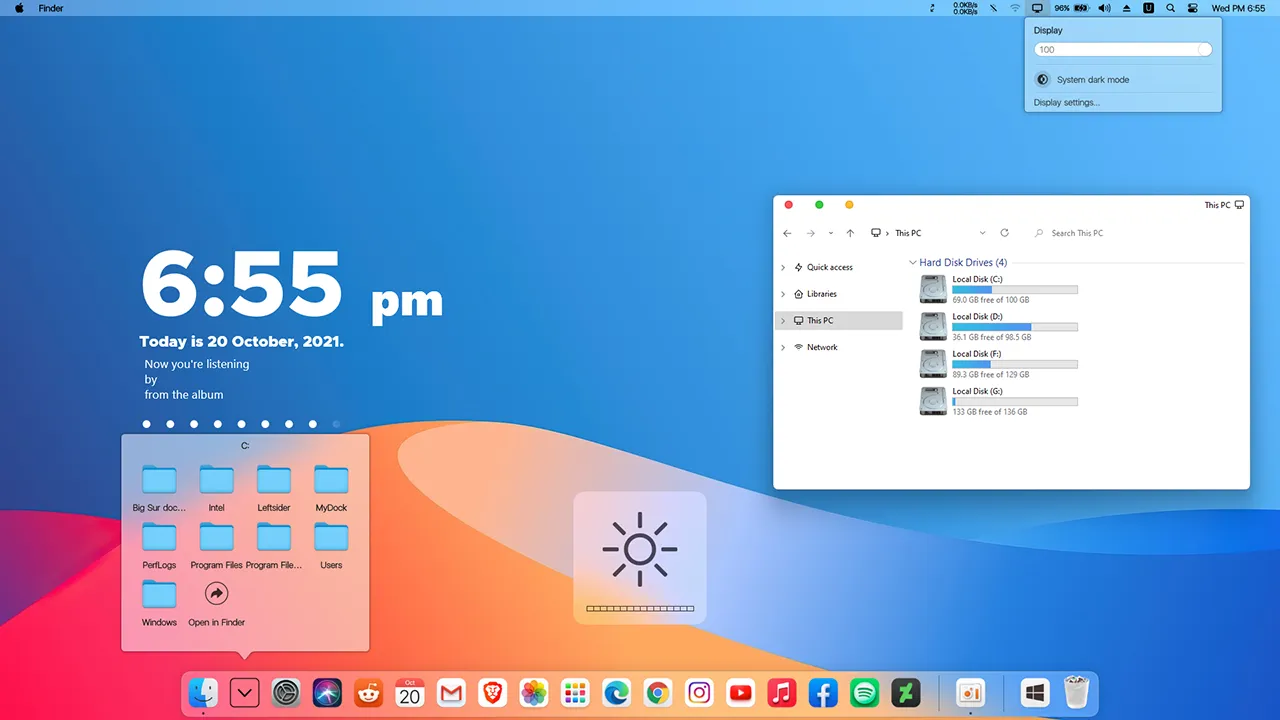
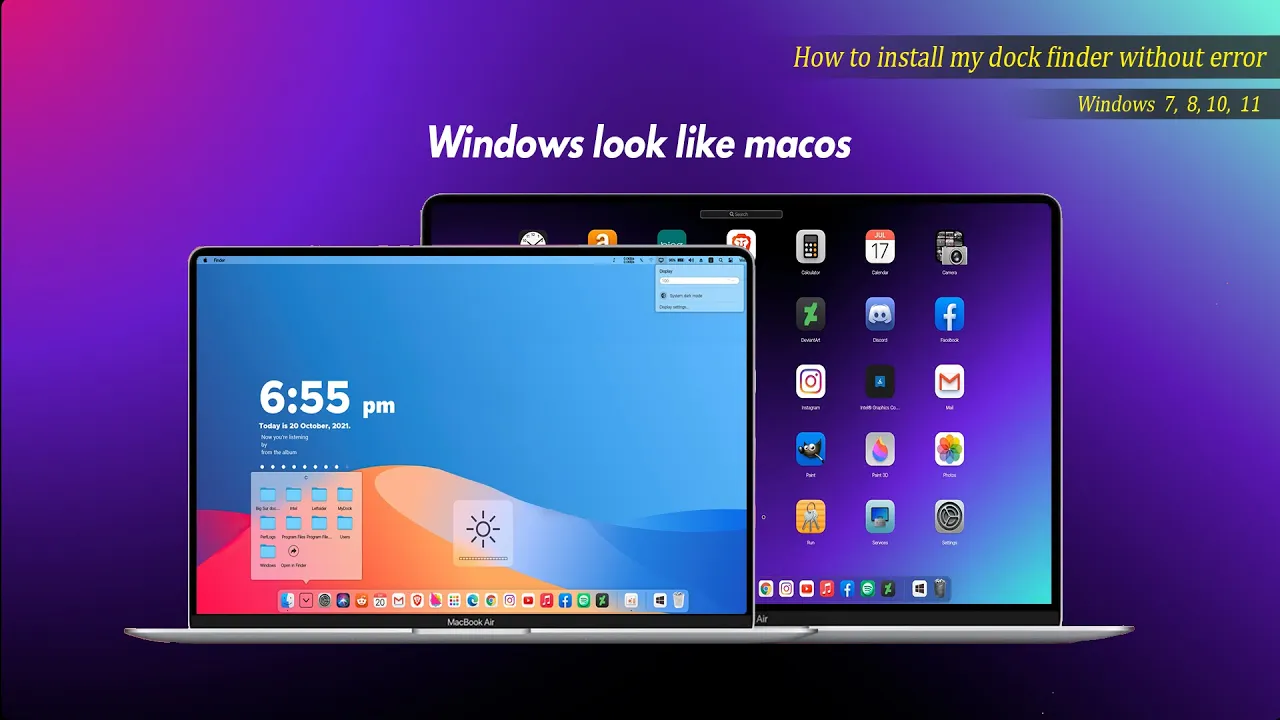
There are a lot of people who are interested in Mac and some of them want to change the windows they use to look like Mac. This dock is one of the best available for people who are interested. It works like a Nexus Doc but has a Mac taskbar and some Mac animations. This software is not a hacker system and does not require a system restart. It must open the running program, complete customized settings and disguise itself as Mac OS. It will start automatically after boot. Then you can enjoy the animation effect of Mac OS at any time
How to install this Mac Dock
For windows 10 and windows 11
Requirements
OS : Windows 10 (version 1809 and higher), supports Windows 11
Processor : Dual-core processor 1.2GHz
Memory : 2 GB RAM
Graphics : Support DirectX11 graphics card, 512M video memory
OS : Windows 7,Windows 8 and Windows 8.1(Win7 Home Basic is not available)
Processor : CPU-1GHz and above Dual Thread
Memory : 2 GB RAM
Graphics : Support DirectX11 graphics card, 512M video memory
DirectX : Version 9
Storage : 20 MB available space
Additional Notes : VC++2019 runtime library 32 and 64 bit .NET framework 4.5
MyDockFinderWindows 7 / 8 / 8.162.3MB
Download
Mydockfinder
Most Windows users would like to bring the mac look to their Windows. I am sure that they will be satisfied with these mydockfinder application. This is because you can drag and drop to add your favorite programs or files in mac format and directly use the program to open the file. GPU rendering based on Windows UI, smooth animation effects
Get your favorite themes and iconsto enhance the look of your Mac
Follow My Channel: VINSTAR
brother this app is not dowlord in my windows11 please help me
Excellent work. Can you make Leopard or Snow Leopard’s dock?
I would really like to have this.
This is such a creative solution! I’ve always loved the Mac dock design and it’s awesome to see a way to bring that aesthetic to Windows. Can’t wait to try it out and see how it enhances my workflow. Thanks for sharing!
i can’t download the folder how can i do ?
bro , where is the 3rd folder? I can’t find that . i used this page’s video as a step by step process , if you reply make sure you give that link to use the dock i really wanna use a dock on my lappy
This is malware.
Detected: Trojan:Win32/Vigorf.A
webfile: D:\Downloads\MyDockFinder by VIN STAR.zip|about:internet|pid:28600,ProcessStart:133770912529759507
file: D:\Downloads\MyDockFinder by VIN STAR.zip
This is working!!!
i’ve encountered a problem in the finder bar. ‘m not getting the notification panel by clicking on the date and time section. This is happening in the latest my dock finder version only. And the previous version don’t have option of smart-hiding for finder bar. Did anyone else faced the same issue?
Everything is just perfect except one thing, When i select the other language it says that i have to rrestart the app. ok. but when i restart the app its turning back to English
Bro, why is it that when I open it it always has an English interface, even after switching to another language, it still remains in English after another reboot. I want to keep the customized language even after reboot. I found that the config.ini file is always locked in English.
brother this app is not dowlord in my windows11 please help me
Excellent work. Can you make Leopard or Snow Leopard’s dock?
I would really like to have this.
This is such a creative solution! I’ve always loved the Mac dock design and it’s awesome to see a way to bring that aesthetic to Windows. Can’t wait to try it out and see how it enhances my workflow. Thanks for sharing!
i can’t download the folder how can i do ?
bro , where is the 3rd folder? I can’t find that . i used this page’s video as a step by step process , if you reply make sure you give that link to use the dock i really wanna use a dock on my lappy
This is malware.
Detected: Trojan:Win32/Vigorf.A
webfile: D:\Downloads\MyDockFinder by VIN STAR.zip|about:internet|pid:28600,ProcessStart:133770912529759507
file: D:\Downloads\MyDockFinder by VIN STAR.zip
This is working!!!
i’ve encountered a problem in the finder bar. ‘m not getting the notification panel by clicking on the date and time section. This is happening in the latest my dock finder version only. And the previous version don’t have option of smart-hiding for finder bar. Did anyone else faced the same issue?
Everything is just perfect except one thing, When i select the other language it says that i have to rrestart the app. ok. but when i restart the app its turning back to English
Bro, why is it that when I open it it always has an English interface, even after switching to another language, it still remains in English after another reboot. I want to keep the customized language even after reboot. I found that the config.ini file is always locked in English.